





Manufacturing software in the Philippines enables businesses to centralize operations, automate repetitive tasks, and gain real-time visibility across the production cycle. This is essential for effectively managing and coordinating raw materials.
The need becomes more apparent during high-demand periods such as payday shopping or major e-commerce campaigns. Meanwhile, inter-island shipping delays and typhoon-season disruptions can make production planning more difficult.
Therefore, a manufacturing system can help businesses respond to these changes by connecting production planning with inventory, purchasing, warehousing, and order fulfillment. This article will help you optimize the manufacturing process with the best system.
 Key Takeaways
Manufacturing software is a business system designed to help companies plan, manage, and monitor manufacturing activities. It can cover everything from bills of materials (BOMs) and material requirements planning (MRP) to production orders.
Instead of managing production data through separate spreadsheets and manual records, businesses can use one system to connect their manufacturing process with inventory, purchasing, sales, accounting, and warehouse operations.
For example, when a retailer expects higher demand during the seasonal period, so production teams can use sales and inventory information to determine whether additional materials or production capacity will be required.
For Philippine businesses selling through physical stores and online marketplaces, this visibility can also help coordinate production with e‑commerce demand. At the same time, online sellers must comply with applicable laws and regulations; the Department of Trade and Industry (DTI), through Joint Administrative Order No. 22-01 (2022), reiterates the existing rules that govern online business activities and consumer transactions.
Choosing the right manufacturing software Philippines solution can help businesses replace disconnected processes with a more coordinated production environment.
This is especially valuable for local manufactures companies looking to improve production efficiency, inventory control, and overall operational visibility. Some of the key benefits include:
There are several differences between manufacturing and generic ERP solutions. The primary differences are their built-in focus, fundamental features, and customization requirements. Below is the key differences between manufacturing ERP and generic ERP solutions:
| Comparison Factor | Manufacturing ERP | Generic ERP |
|---|---|---|
| Primary Purpose | Manages production processes and connected business operations. | Integrates general business functions such as accounting, sales, purchasing, and HR. |
| Production Planning | Plans production schedules, resource capacity, and work orders. | May offer basic task scheduling but often lacks advanced production planning tools. |
| Material Requirements | Uses bills of materials (BOM) and material requirements planning (MRP) to calculate material needs. | Manages purchasing and inventory but may not automatically connect stock needs to production schedules. |
| Inventory Management | Tracks raw materials, work-in-progress (WIP), and finished goods throughout production. | Focuses on stock levels, purchasing, sales, and general inventory movements. |
| Shop-Floor Management | Monitors work orders, machine utilization, labor usage, and production progress. | Typically focuses on broader business workflows rather than detailed shop-floor activities. |
| Quality Control | Supports production inspections, defect tracking, batch monitoring, and product traceability. | May provide general quality management or compliance features. |
| Cost Management | Calculates product and production order costs based on materials, labor, and manufacturing overhead. | Primarily manages general accounting, expenses, and financial reporting. |
| Best Suited For | Manufacturers, factories, and businesses with complex production workflows. | Service providers, trading companies, and businesses with simpler operational requirements. |
Manufacturing software encompasses a wide range of digital tools designed to optimize production, manage supply chains, ensure quality control, and streamline operations. Here is a breakdown of the primary types of manufacturing software:
Selecting a manufacturing software Philippines solution should start with your operational requirements rather than simply choosing the system with the longest feature list. Consider these factors when selecting manufacturing software:
First, identify your manufacturing model to match the system to your production style. Make-to-stock setups require strong demand forecasting, make-to-order demands precise job scheduling, and process manufacturing relies on recipe, batch, and traceability management.
In addition, match software features to your production complexity. A small assembly line needs simpler controls, whereas multi-plant setups require handling complex multi-level Bills of Materials (BOMs), varied SKUs, and multiple work centers.
After that, you can select software that supports manufacturing resource planning by factoring existing stock, open purchase orders, and supplier lead times. This is crucial for managing shipping delays on imported materials or local peak-season lags.
Production does not operate independently from the warehouse. Raw materials need to be received and stored before production, while finished goods need to move from production to storage and eventually to customers. Choose a system that provides visibility across manufacturing, inventory, and warehouse operations rather than treating each activity as a separate process.
Ensure the platform handles local demand spikes (such as payday rushes, the “ber” months, and major e-commerce sales like 11.11 and 12.12) by balancing capacity against material needs to prevent overstocking.
A system that works for 50 SKUs may become difficult to manage when the business reaches hundreds or thousands of products. Consider a solution that grows alongside your business, accommodating extra warehouses, expanded SKU lists, and added sales channels without performance loss.
Your manufacturing software should ideally connect with other systems used by your business, including accounting, inventory, purchasing, sales, e-commerce, CRM, and warehouse management. This reduces duplicate data entry and allows different departments to work from more consistent information.
The next step is to consider whether managers can monitor production efficiency, material consumption, production costs, inventory levels, order status, and other relevant KPIs. Real-time visibility can be particularly useful when disruptions require production plans to be adjusted quickly.
Finally, software implementation should involve support for the onboarding process, including data migration, staff training, and system upgrades. For Philippine companies, it is also worth checking whether the provider has local implementation or support capabilities.
There is no single best manufacturing system Philippines businesses can use universally. The right choice depends on company size, manufacturing model, budget, required integrations, and operational complexity. Here are 13 manufacturing software solutions worth considering in the Philippines:
| Column 1 | Column 2 | Column 3 |
|---|---|---|
|
Manufacturing Software |
Key Strength |
Philippine businesses seeking an all-in-one ERP |
|
SYSPRO |
Manufacturing and distribution management |
Manufacturers and distributors with complex operations |
|
BizAutomation |
Cloud-based ERP with manufacturing and CRM |
SMEs looking for an all-in-one business platform |
|
Oracle NetSuite |
Comprehensive cloud ERP and manufacturing management |
Growing and large businesses |
|
SAP Manufacturing |
Enterprise-level production and supply chain management |
Large manufacturers with complex operations |
|
Acumatica |
Flexible manufacturing and ERP capabilities |
Mid-sized and growing manufacturers |
|
BatchMaster ERP |
Batch, formulation, and process manufacturing |
Food, chemical, pharmaceutical, and process manufacturers |
|
FocusMRP |
Material requirements and production planning |
Businesses needing dedicated MRP capabilities |
|
Epicor Kinetic |
Advanced manufacturing and production planning |
Complex and industrial manufacturers |
|
Katana MRP |
Simple production and inventory management |
Small and growing manufacturers |
|
Microsoft Dynamics 365 |
Manufacturing integrated with supply chain management |
Medium and large enterprises |
|
Odoo Manufacturing |
Modular manufacturing and business applications |
SMEs wanting flexible ERP modules |
|
Infor CloudSuite Industrial |
Industry-specific manufacturing ERP |
Established industrial manufacturers |
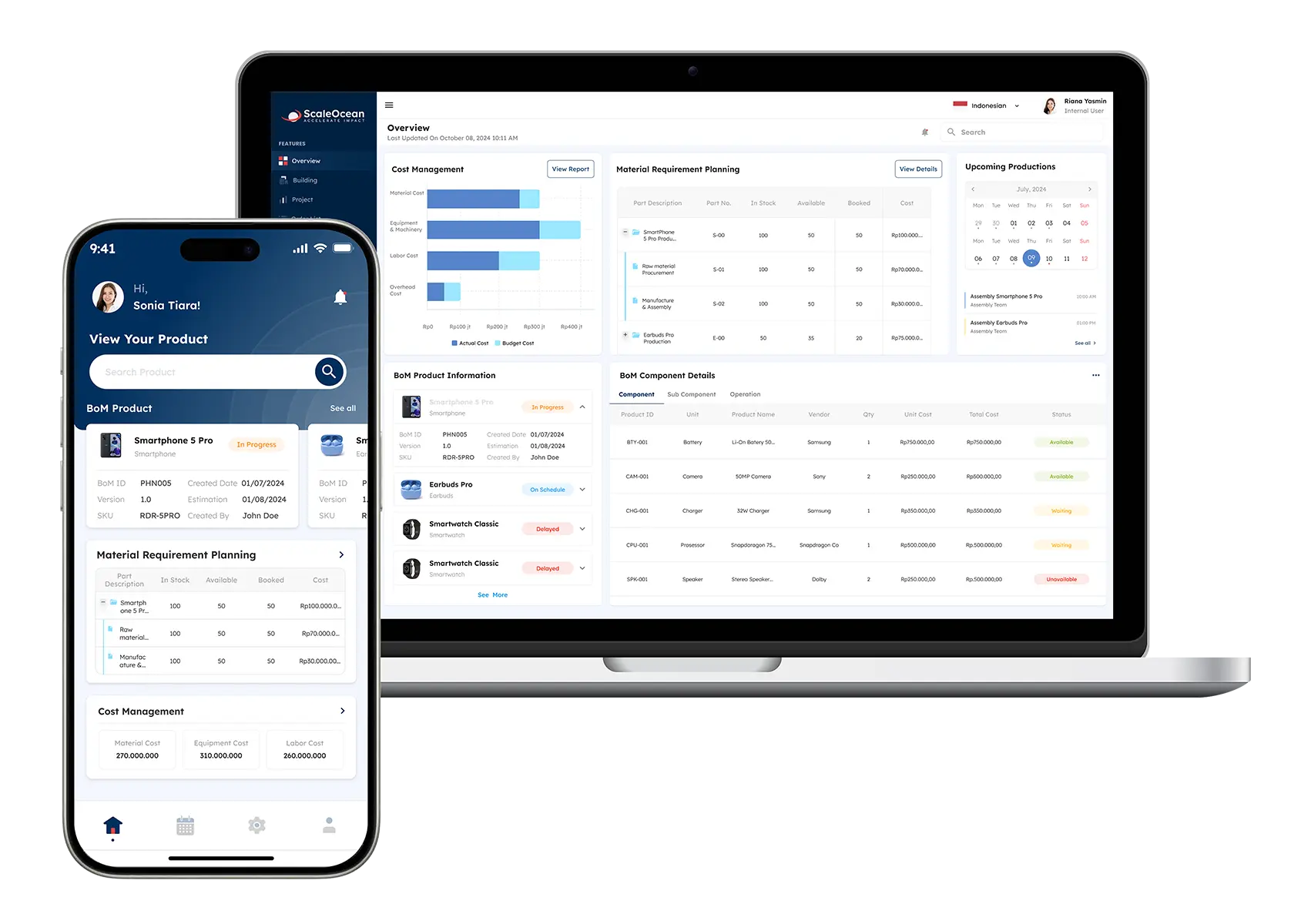
Managing production manually becomes increasingly difficult as businesses handle more products, materials, warehouses, and customer orders. Without centralized production data, manufacturers may struggle with material shortages, excess inventory, and inaccurate costing.
To address these challenges, ScaleOcean Atlas for manufacturing provides an integrated platform for managing production planning, inventory, procurement, warehouse operations, and other business processes. The system helps businesses coordinate manufacturing activities while maintaining visibility over the materials and resources required for production.
Rather than managing production orders, inventory records, and purchasing activities separately, ScaleOcean Atlas connects these processes within one centralized system. Businesses can monitor material availability, manage bills of materials (BOMs), track production activities, and coordinate inventory movements throughout the manufacturing cycle.
Additionally, ScaleOcean Atlas is embedded with ScaleMind, an AI assistant that provides intelligent recommendations to optimize manufacturing operations. For example, it can help identify production trends, anticipate material requirements, and support more efficient production planning.
For Philippine manufacturers, this can be particularly useful during payday shopping periods, Ber months, and major e-commerce campaigns such as 11.11 and 12.12, when sudden increases in orders can put pressure on production and inventory. The system can also help businesses maintain better visibility when supplier delays, inter-island shipping issues, or typhoon disruptions affect material availability.
You can schedule a consultation to discover how ScaleOcean Atlas can support your manufacturing operations. Some of the features include:
| Pros | Cons |
|---|---|
|
|
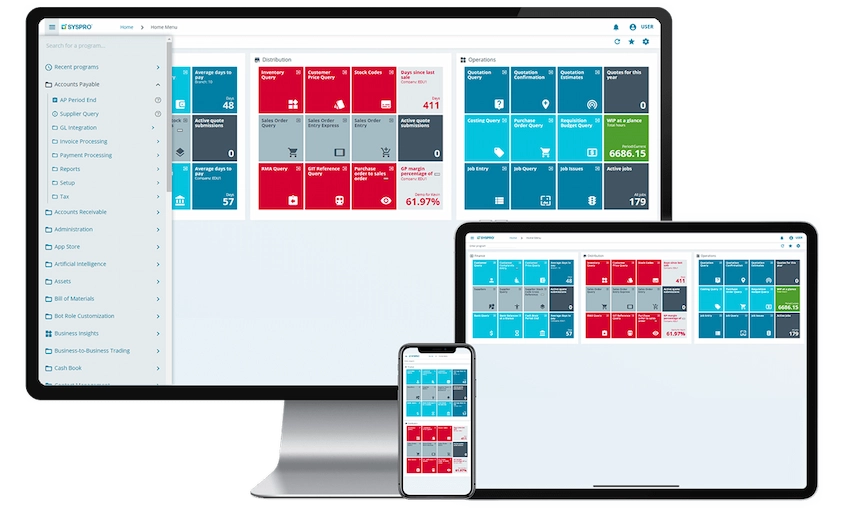
SYSPRO manufacturing software is an ERP solution designed specifically for manufacturers and distributors. It brings manufacturing, inventory, supply chain, financial, and operational processes together to provide businesses with greater visibility across their operations.
The platform supports different manufacturing environments, including make-to-stock, make-to-order, engineer-to-order, and configure-to-order. Businesses can use the system to manage production planning, scheduling, bills of materials, and inventory. Some of the features include:
| Pros | Cons |
|---|---|
|
|
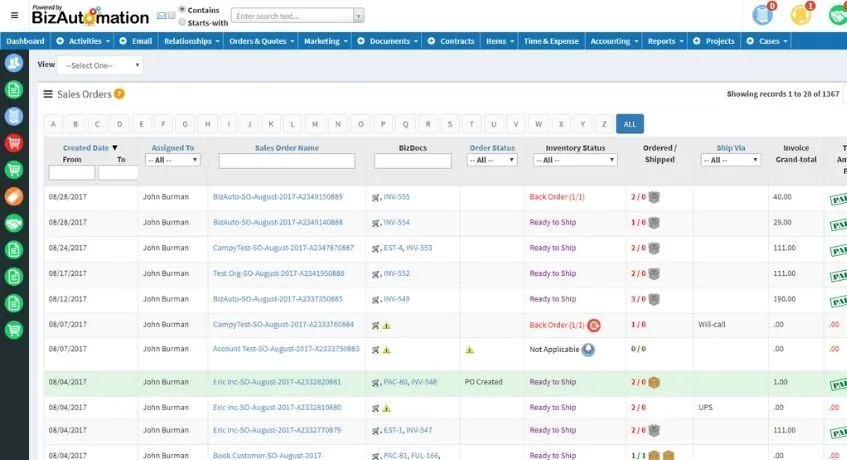
BizAutomation combines ERP, CRM, accounting, inventory, and manufacturing capabilities in a single cloud-based platform. Its manufacturing tools are designed to help businesses manage production orders, materials, work-in-progress, capacity, and manufacturing costs.
The platform supports multi-level bills of materials, work orders, shop-floor operations, WIP tracking, and job costing. This allows businesses to connect production activities with other areas of the organization. Below here are some of the features of BizAutomation:
| Pros | Cons |
|---|---|
|
|
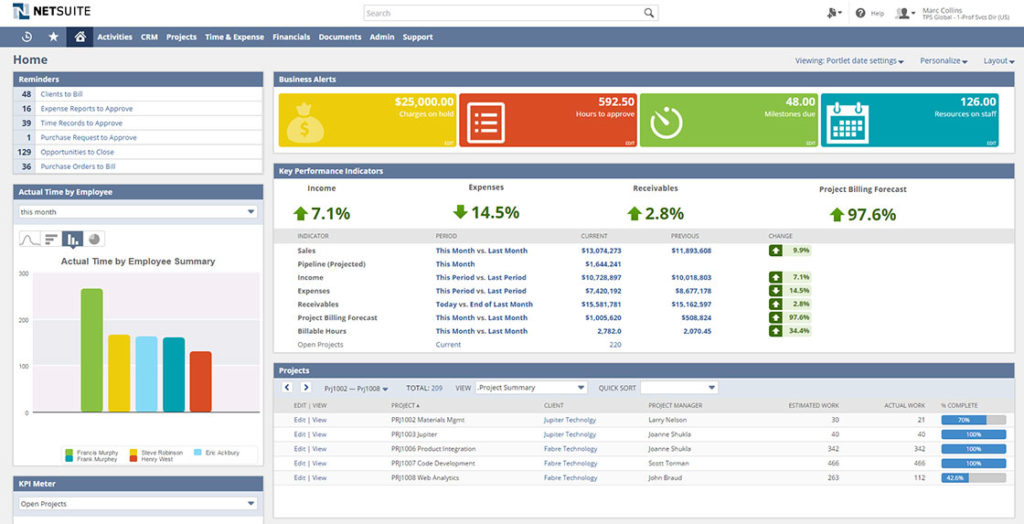
Oracle NetSuite provides manufacturing capabilities within a broader cloud ERP platform. It helps businesses manage bills of materials, work orders, production routing, scheduling, WIP, inventory, and manufacturing-related processes.
The system connects manufacturing with financial management, inventory, procurement, order management, and other ERP functions. This provides businesses with a centralized view of operations and allows production information to flow into other business processes. Here are some of the features of Oracle NetSuite to help optimize manufacturing process:
| Pros | Cons |
|---|---|
|
|
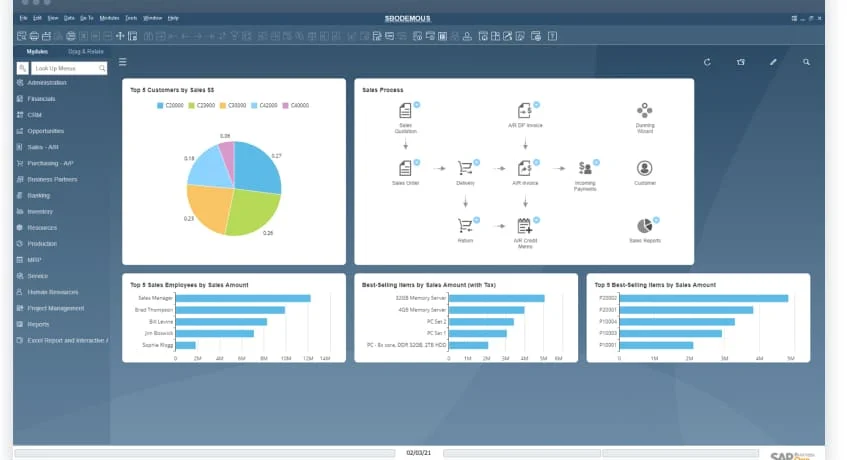
SAP manufacturing provides manufacturing capabilities within SAP’s broader enterprise software ecosystem. It supports production planning, scheduling, manufacturing execution, quality management, and supply chain coordination.
The platform is designed to support different manufacturing environments, including discrete, process, repetitive, and other production models. For Philippine companies operating complex supply chains, this can be useful when production schedules must account for material availability, supplier lead times, and disruptions caused by transportation or severe weather.
| Pros | Cons |
|---|---|
|
|
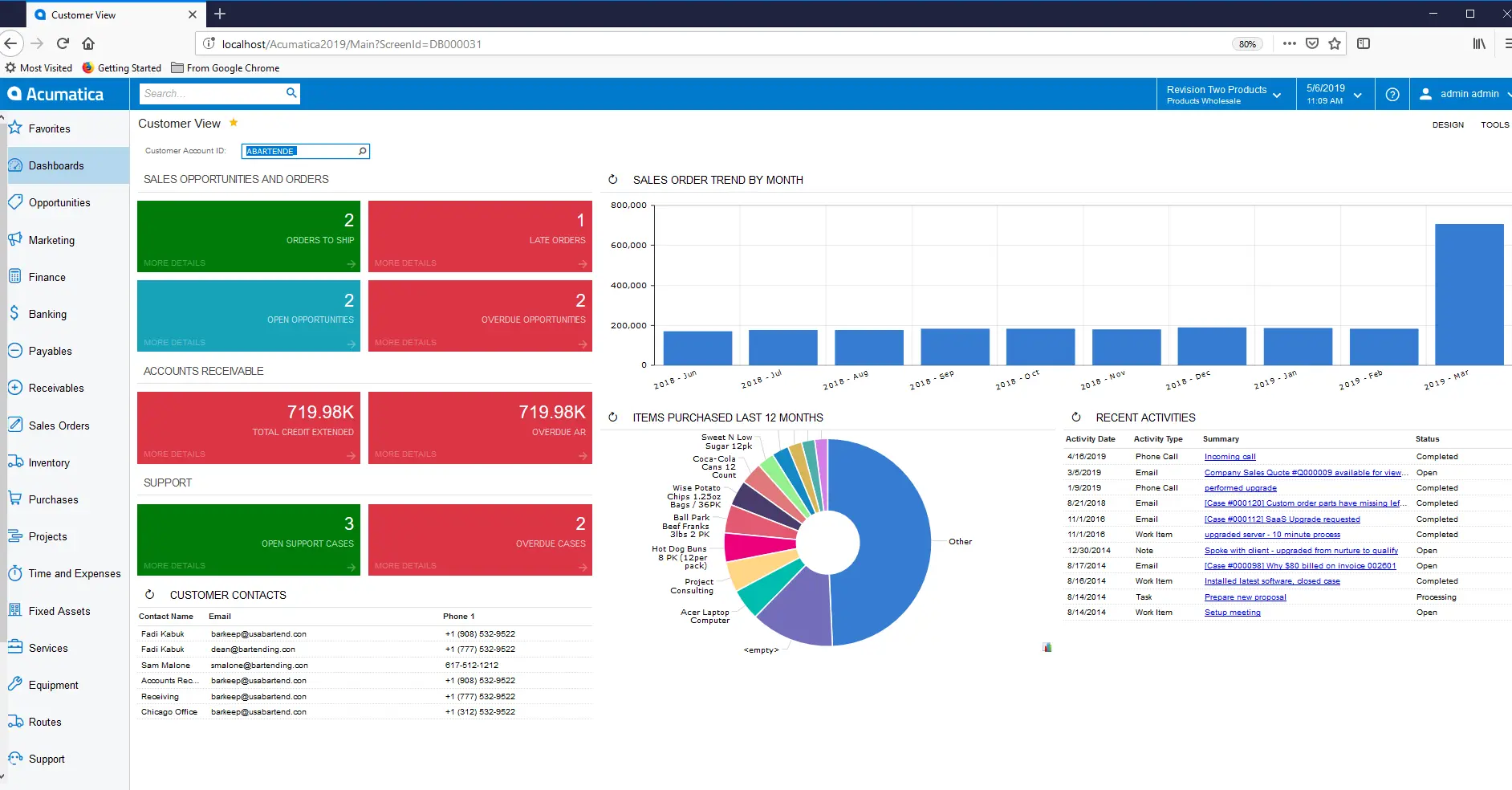
Acumatica manufacturing management provides manufacturing capabilities within its cloud ERP platform. It supports make-to-stock, make-to-order, engineer-to-order, configure-to-order, repetitive, batch, and project-driven manufacturing.
The platform combines production management with BOMs, MRP, scheduling, inventory, quality management, costing, and shop-floor data collection. This gives businesses a centralized environment for managing manufacturing activities and related operations. Here are some the features:
| Pros | Cons |
|---|---|
|
|
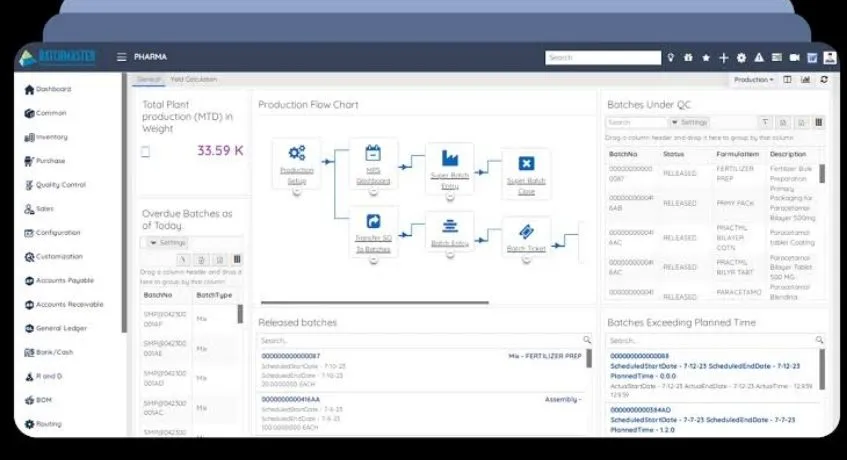
BatchMaster manufacturing ERP is designed for process-oriented industries that require detailed batch and formulation management. The platform supports formulation, batch production, quality management, traceability, inventory, planning, scheduling, and manufacturing costing.
This makes it particularly relevant for businesses where products are manufactured according to specific formulas or recipes. Batch tracking can also provide better visibility into materials used during production and finished products released for sale.
| Pros | Cons |
|---|---|
|
|
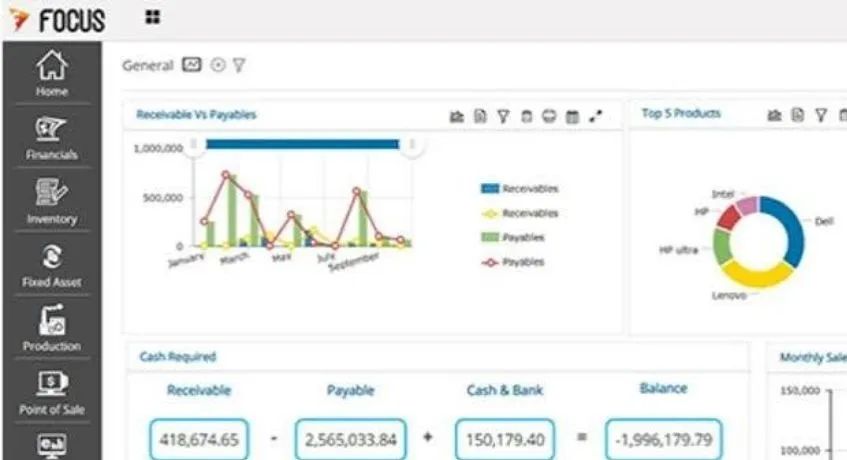
FocusMRP focuses on manufacturing resource planning and production management. The system helps manufacturers coordinate production planning, scheduling, inventory, purchasing, machines, and other manufacturing resources.
Its MRP-focused approach can help businesses determine what materials are required and when they need to be available. This is particularly useful for manufacturers dealing with supplier lead times or unpredictable material availability. Here are the features:
| Pros | Cons |
|---|---|
|
|
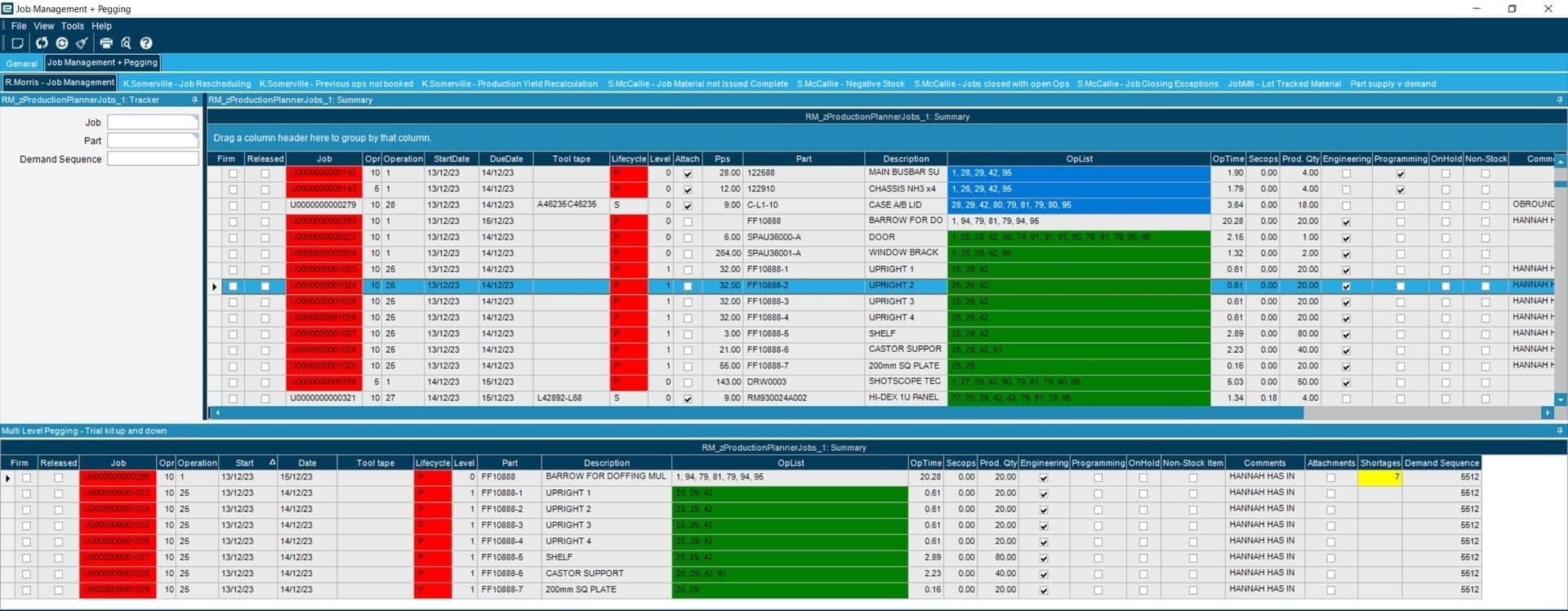
Epicor Kinetic is an ERP platform designed for manufacturers, with capabilities covering production management, MRP, advanced planning and scheduling, job management, quality, and lean manufacturing.
The platform supports different manufacturing environments, including make-to-stock, make-to-order, configure-to-order, and engineer-to-order. This flexibility allows businesses to manage both standardized and more customized production workflows. Some of the features include:
| Pros | Cons |
|---|---|
|
|
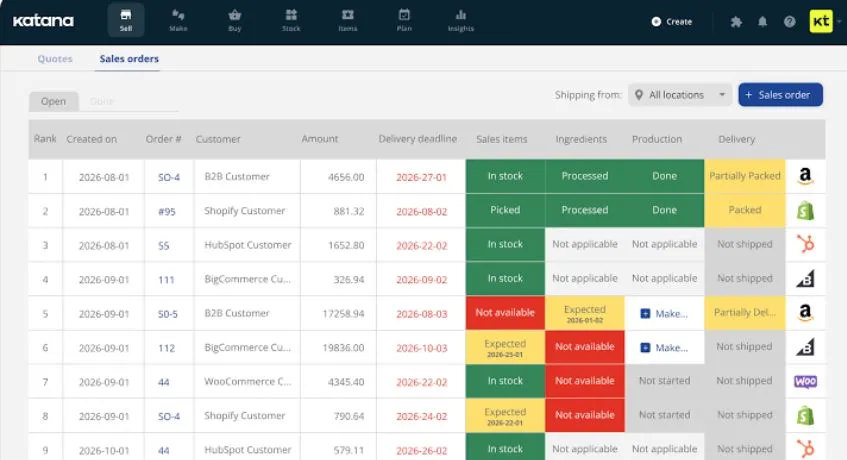
Katana MRP is a manufacturing management platform focused on production, inventory, purchasing, and operational visibility. It is designed to help businesses monitor materials and production activities from a centralized environment.
The platform can be particularly useful for manufacturers that want to connect production with inventory and sales processes. However, businesses should assess its integrations carefully if they operate multiple warehouses, sales channels, or complex supply chains. Some of the features include:
| Pros | Cons |
|---|---|
|
|
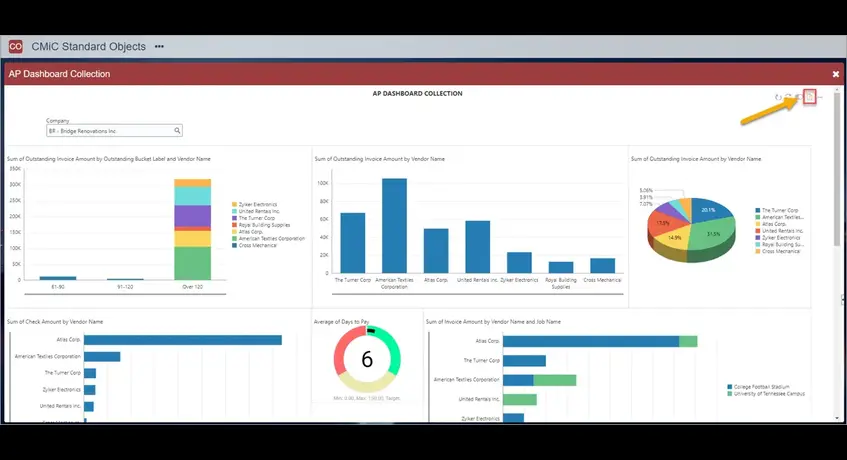
Microsoft Dynamics 365 Supply Chain Management provides manufacturing capabilities alongside broader supply chain management tools. The platform supports production orders, BOMs, formulas, routes, operations, capacity planning, and manufacturing execution.
It supports discrete, process, and lean manufacturing environments, making it suitable for organizations with diverse production requirements. Businesses can also connect manufacturing with procurement, inventory, warehouse management, and other supply chain processes. Some of the features include:
| Pros | Cons |
|---|---|
|
|
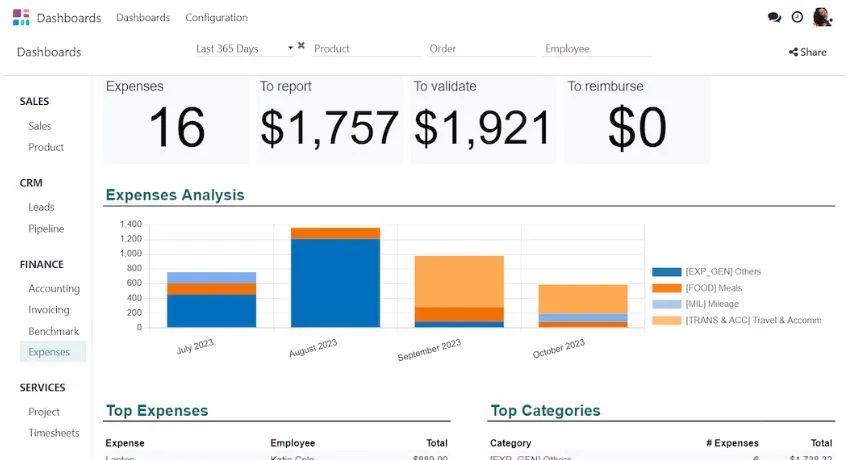
Odoo manufacturing provides production management within Odoo’s modular business application ecosystem. Businesses can manage manufacturing orders, BOMs, work orders, work centers, scheduling, quality, maintenance, inventory, and traceability.
Because manufacturing can be connected with other Odoo applications, businesses can build an integrated environment covering sales, purchasing, inventory, accounting, e-commerce, CRM, and production. Here are the features include:
| Pros | Cons |
|---|---|
|
|
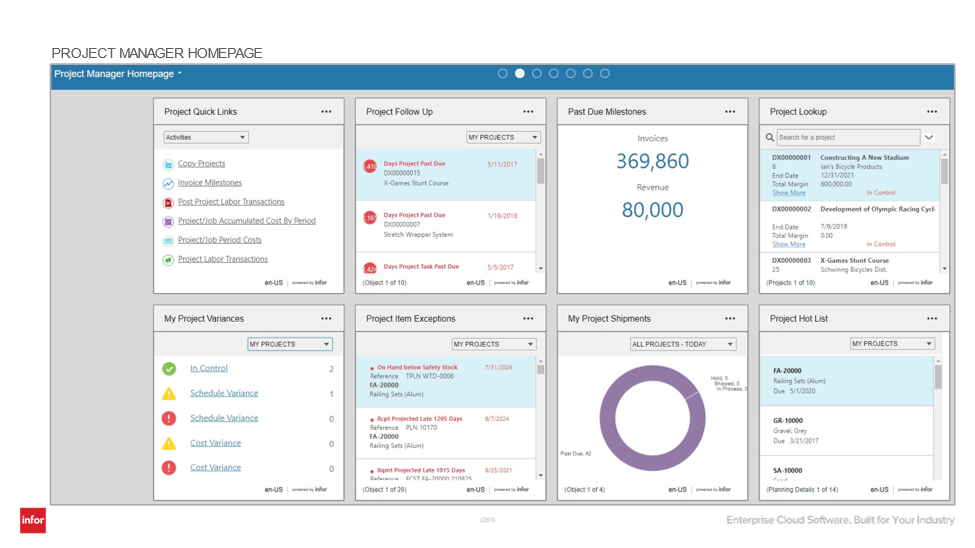
Infor CloudSuite Industrial is an industry-focused ERP platform designed for industrial manufacturers. It provides capabilities for production, supply chain, inventory, quality, engineering, and operational management.
The platform can support industries such as machinery, electronics, metal fabrication, plastics, medical devices, and furniture. Businesses can also extend the platform with capabilities such as warehouse management, manufacturing execution, product lifecycle management, and configure-price-quote functionality. Here are some of the features include:
| Pros | Cons |
|---|---|
|
|
The best manufacturing system depends on the company’s production model, product complexity, and operational scale. However, businesses should generally look for the following features to ensure they can streamline the manufacturing process and maintain efficient operations:
Finding the right manufacturing software for Philippine businesses requires looking beyond a long feature list. Companies must evaluate their production model, complexity, inventory needs, MRP capabilities, warehouse flow, software integrations, scalability, and local support.
The right platform aligns production with shifting demand, automates manual tasks, and improves material visibility. It also builds resilience against local operational hurdles, such as shipping delays, inter-island logistics, peak-season spikes, and typhoon disruptions.
Therefore, ScaleOcean Atlas connects manufacturing directly with inventory and warehouse workflows. This gives businesses a centralized view of material tracking and stock movement, eliminating operational silos caused by fragmented software systems.
Schedule consultation with ScaleOcean Atlas for efficient warehouse and manufacturing operations. This helps Philippine companies shift from reactive daily fixes to structured, data-driven supply chain planning.
The best manufacturing software depends on your business size, production needs, budget, and operational complexity. ScaleOcean Atlas also can help businesses optimize manufacturing processes.
Manufacturing commonly uses ERP, production management, inventory, warehouse, accounting, and quality control software to manage production processes, track resources, and improve overall operational efficiency.
The five key types of software used in manufacturing are ERP (Enterprise Resource Planning), MES (Manufacturing Execution Systems), PLM (Product Lifecycle Management), SCM (Supply Chain Management), and QMS (Quality Management Systems).
Manufacturing software costs vary by cloud vs. on-premise deployment, user licenses, and needed modules. Most platforms use quote-based subscriptions, ensuring you pay only for the features and users your facility requires.